Working from home is only as smooth as the network behind it. North Hampton remote workers and families rely on me for secure, dependable home office networks that keep video calls clear and files moving without delay.
“I will fix it until I make it.”
Frustrated with slow internet, dropped connections, or an unreliable home office setup? A poor network slows down your work and makes every video call stressful. Proper setup means your devices connect reliably from the moment you log in. A secure network also protects your work files and personal information. It prevents daily interruptions. Your home office stays productive and stress-free.
As a trusted North Hampton name in home office network setup, DC’s Computing Services creates stable, secure networks tailored to the way you work, whether you’re a solo remote worker or a growing business that also needs Small Office IT Consulting. I handle everything from router configuration to device connections and security settings. Connection drops and slow speeds? My fixes resolve them quickly. Contact me today to upgrade your home office network.
I resolve system errors, hardware faults, and slow performance, keeping your work and personal computers dependable every day.
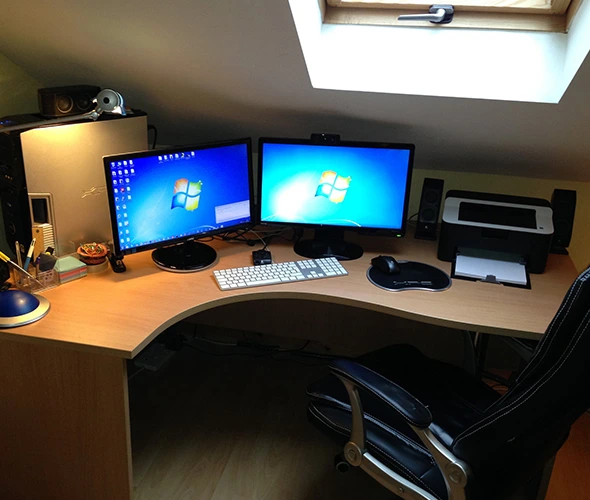
Your printer connects to every computer in your home office, and my UPS backup makes sure a power blip never costs you unsaved work.
Updated: My dependable POS network support means secure transactions, fast processing, and uninterrupted checkout for your business.
I troubleshoot, maintain, and upgrade Dell desktops to help yours operate at its best.
My secure, high-performing home office networks deliver stable internet access and reliable connections for productive remote work.
I give small offices practical guidance to strengthen their technology, improve protection, and support long-term productivity.
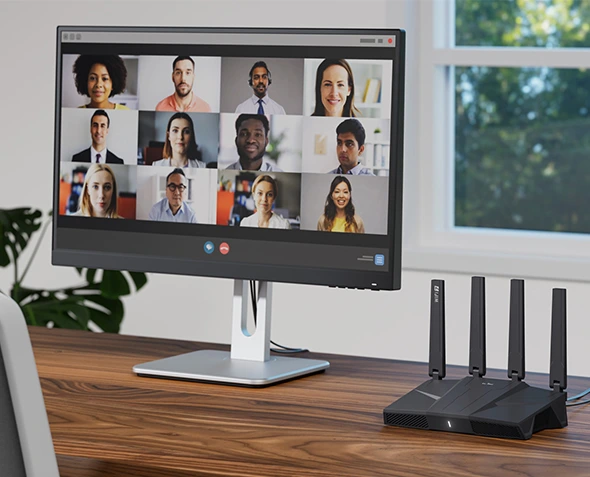
Stable connections keep your video calls clear, your uploads moving, and your workday free of interruptions.
Secure router settings, strong passwords, and updated firmware help protect your work files and personal data.
Proper configuration gives your work devices the speed and stability they need, even when the whole household is online.
An organized, well-documented setup makes it simple to identify and resolve network problems quickly.
I review your workspace, devices, and internet service to plan the right network for how you work.
Next, I configure your router and network settings for strong security, stable connections, and steady speeds.
After connecting your computers, printers, and work devices, I test speed and stability across your workspace.
I finish with a full walkthrough of your setup and stay available whenever you need help keeping your network running smoothly.
Skilled Services
Reliable Solutions
Expert Services
Proven Solutions
Working from home puts company files and client information on your personal network. Without the right protection, one weak setting can expose sensitive data. My secure remote work network setup in Manchester, NH, helps protect your home office from these risks. My setup includes carefully configured firewalls, secure router settings, and strong access controls. I also set up VPN connections so you can reach your company’s systems safely.
I keep your work devices separate from smart TVs, game consoles, and other household gadgets on the same network. Before I leave, I install and check every security update. Knowing your remote work setup is better protected brings real peace of mind. I also explain simple habits that keep your network safe over time. Secure remote work networking in Manchester keeps your job and your data protected.
A home office only works when every device can talk to each other. Laptops, desktops, printers, and docking stations need the right settings to share one network. My home office device and printer connectivity service in Exeter, NH, helps remote workers and small home businesses. I connect each device to your network and make sure it communicates without errors. Shared printing and file access work from every computer once I’m done, and my Printer & UPS Setup service can add battery backup for your equipment.
To get your workspace ready for meetings, I also set up docking stations, external monitors, and webcams. My setup includes the right drivers and updates for every device. Before I finish, I test printing, file sharing, and video calls. You get an organized workspace where everything works the first time. Your Exeter home office runs smoothly from the very first login.
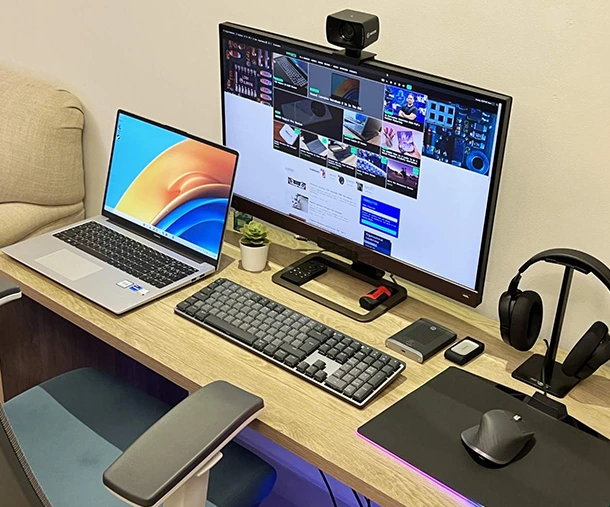
Is your connection dropping during video calls or slowing down every afternoon? Home office network troubleshooting and optimization fix these common problems and restore reliable performance. These issues usually show up when speeds feel inconsistent or devices keep disconnecting. A healthy network supports smooth daily work, prevents frustrating delays, and protects your productivity during important meetings.
My home office network troubleshooting and optimization in Newburyport, MA, starts with finding the exact cause of your connection problems. I adjust router settings, resolve device conflicts, and remove bottlenecks that slow you down. Every solution I create fits your home and work habits. You get a fast, stable network you can count on every workday.
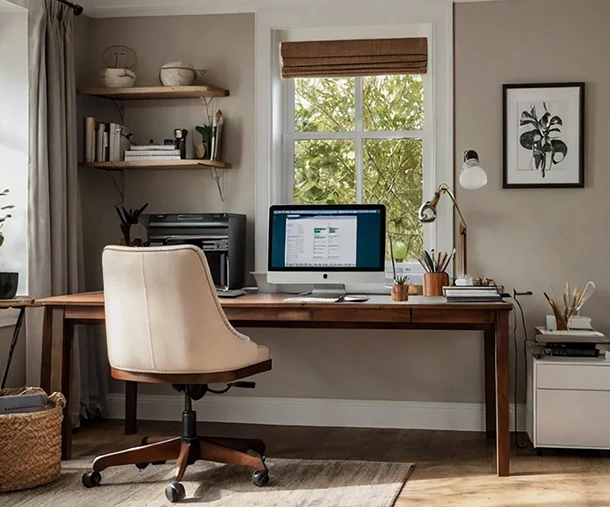
Looking to improve your home office network? I’ll design a tailored setup around the way you work. Contact me today to get started with reliable, secure, and efficient service.
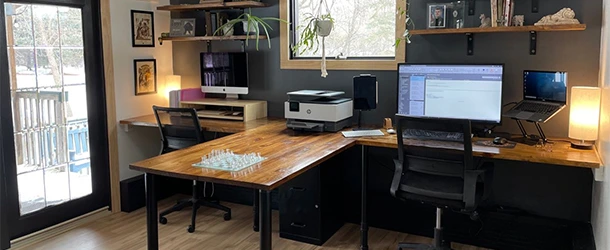
Setup time depends on the size of your home office and the number of devices, but I can install and configure most home office networks within a few hours.
Yes. If anything changes or stops working after setup, call me directly. I can adjust settings, connect new devices, or troubleshoot problems whenever you need help.
Absolutely. I review your current router, settings, and devices to find what is slowing you down. Often, simple configuration changes and updated firmware make a noticeable difference without buying new equipment.
Both. I cover router and device hardware, along with the settings, drivers, and software that affect your connection, so you don’t have to call different people for different problems.
Yes. Every setup includes changed default passwords, strong encryption, updated firmware, and firewall settings. For remote workers, I can also set up VPN access and keep work devices separate from household gadgets.


Copyright © 2026 DC’s Computing Services. Powered by Corecentrix Business Solutions