A slow or failing Dell desktop shouldn’t hold your workday hostage. From startup errors to worn-out parts, I deliver professional Dell desktop support in North Hampton, NH, with clear communication and quick turnarounds.
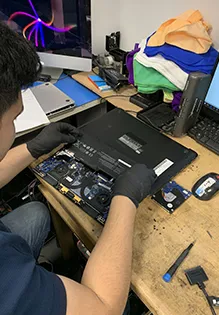
“I will fix it until I make it.”
A broken computer stops your work and creates unnecessary stress. I handle every Dell repair with care and speed, fixing slow startups, blue screens, and failing hardware. My Dell desktop repair services cover OptiPlex, Inspiron, and other Dell desktop models, while my broader IT Services & Computer Repair covers other brands. Along with repairs, I replace worn-out parts, remove viruses, and set up new Dell systems. Over 40 years of experience make DC’s Computing Services a reliable choice.
Slow performance, frozen screens, and Windows update problems? I fix them fast. My part replacements use dependable repair methods and proper testing. Homes, remote workers, and small businesses rely on me to stay productive every day. I explain every problem clearly, without confusing technical terms or a rushed job. Give me a call now for trusted Dell desktop support in North Hampton, NH.
I properly repair crashes, errors, and failing hardware on desktops and laptops, so your computer runs reliably without repeat problems.
Reliable printing and backup power protection come standard with my printer and UPS installs, reducing paper jams and sudden shutdowns.
My quick troubleshooting for registers, scanners, and payment devices prevents sales downtime and keeps your checkout running smoothly.
Slow Dell? I resolve performance problems with quality parts and careful repairs, so you can work without frustration.
My home office network setup keeps your desktop, printer, and other devices securely connected for remote work.
I guide small offices with practical IT planning and smart recommendations that improve protection and everyday efficiency.
My quick turnarounds keep you from falling behind on your work tasks.
I bring decades of hands-on experience with Dell desktop models and their components.
You get honest rates with no hidden fees for all your hardware or software fixes.
I use high-quality replacement components to help your machine last much longer.
I listen to your concerns and test your machine to find the exact hidden problem.
Before any work, I explain the fix and give you a clear price with no hidden costs.
My repairs use professional tools and high-quality parts to fix hardware or software issues.
Every desktop goes through a full check to make sure it runs perfectly before I return it to you.
A new Dell desktop only works well with the right setup from the start. I provide Dell desktop setup and configuration in Dover, NH, for homes and small businesses. My work covers Windows setup, driver installation, and system updates. I also install your everyday software and connect your printer through my Printer & UPS Setup service. You get a computer that is ready to use the same day.
My setup adjusts settings for your work habits, user accounts, and security needs. I remove unnecessary pre-installed programs that slow down new systems. Before finishing the job, I test every connection and feature. I also show you how to use your new setup with confidence. DC’s Computing Services makes moving to a new Dell simple and stress-free.
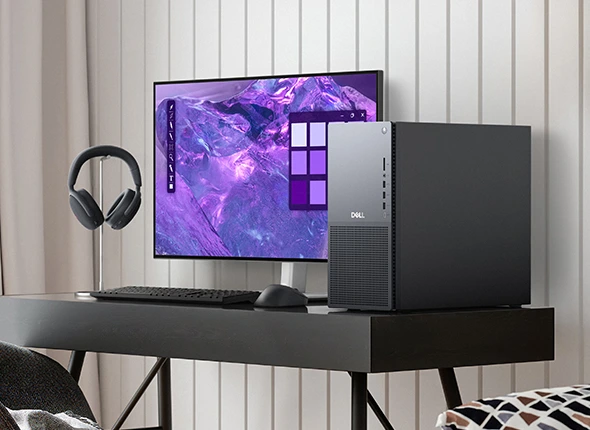
Skilled Services
Reliable Solutions
Expert Services
Proven Solutions
Software glitches can make even a healthy Dell desktop feel broken. I fix error messages, frozen programs, failed Windows updates, and startup problems with a patient, helpful approach. My Dell software support services in Manchester, NH, also cover driver conflicts, slow boot times, and programs that keep crashing. With Dell’s own diagnostic tools, I find the real cause instead of guessing.
Once the cause is clear, I repair the problem and update your drivers and BIOS where needed. Before I finish, I check that your programs and settings work correctly. You get a stable system that runs smoothly for everyday tasks. I also explain what went wrong and how to avoid it in the future. Your Dell keeps working the way it should, long after the visit.
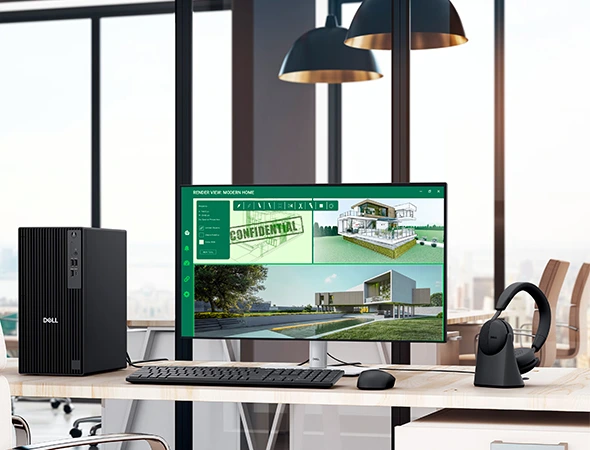
A failing part can bring your Dell desktop to a complete stop. I provide Dell hardware repair and part replacement in Exeter, NH, for local homes and busy offices. My diagnostics cover power issues, dead hard drives, faulty memory, and computers that refuse to start. Every repair begins with testing, so you only pay to replace the part that actually failed. I also upgrade older hard drives to faster SSDs.
When parts wear out, I replace power supplies, hard drives, memory, cooling fans, and other components. Each new part I install matches your Dell model and goes in with care. I run full system tests after every repair to confirm a reliable fix. You get a desktop that starts fast and runs steadily again. Your Dell’s reliability is my top priority on every job.
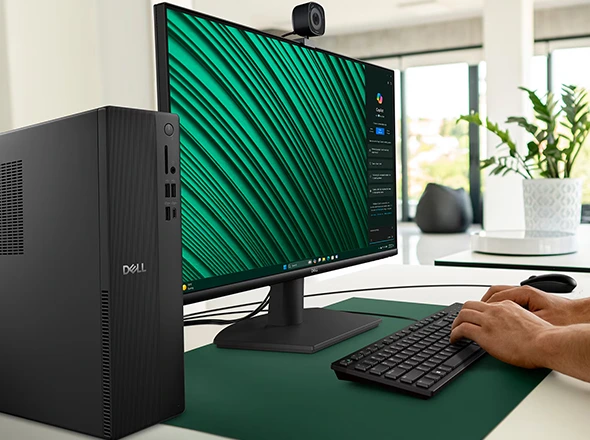
Your computer is a big part of your daily life, and regular care keeps it that way. I check every system for speed issues, software errors, and hardware wear. My reliable Dell desktop maintenance in Newburyport, MA, fixes small problems before they turn into costly repairs. DC’s Computing Services keeps desktops stable, clean, and ready for long-term use.
During each visit, I clean dust from internal fans and vents and replace cooling paste when needed to prevent overheating. I also remove unnecessary startup programs and install important updates. You get a clear summary of everything I checked and fixed. My goal is a Dell that lasts for many years to come. Honest service and consistent results are how I earn customer trust.
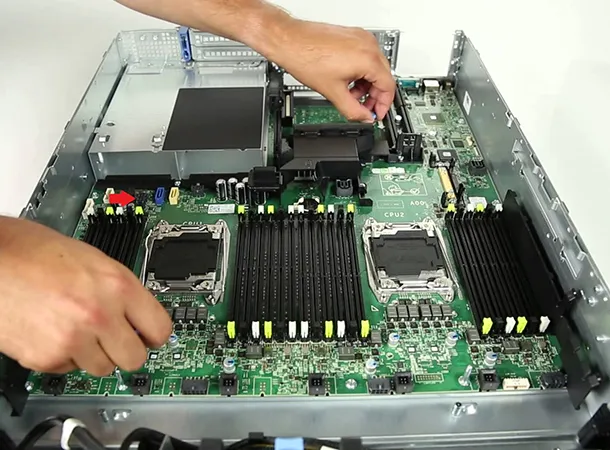
I complete most hardware fixes within one or two days, prioritizing speed so you can return to your work without long delays.
In many cases, yes. If the hard drive itself still works, I can usually retrieve your files even when Windows won’t start. If the drive is damaged, I’ll give you a clear assessment of your options before any work begins.
Call me with your model number first. All-in-one screens are built into the computer, so I’ll check part availability and cost, then let you know whether a repair or a replacement makes more sense.
Yes, in many cases. Upgrading to an SSD, adding memory, removing unnecessary startup programs, and cleaning out dust can make an older Dell feel much faster. If the computer is too old to upgrade cost-effectively, you’ll hear it straight from me.


Copyright © 2026 DC’s Computing Services. Powered by Corecentrix Business Solutions